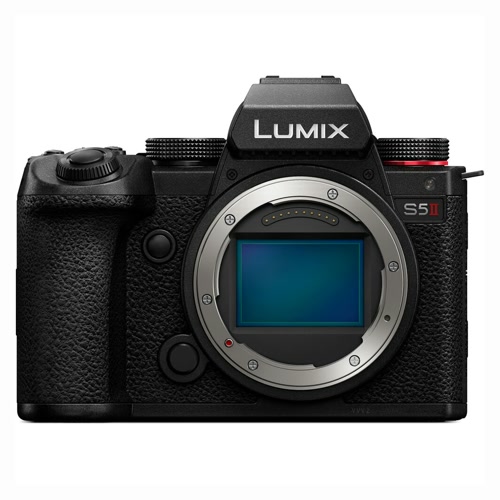
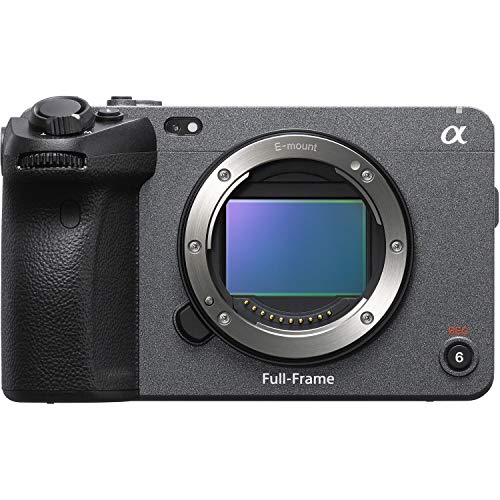
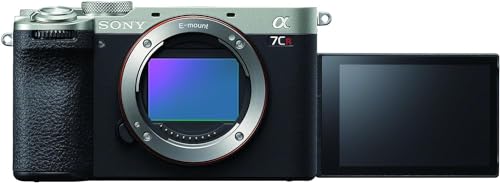
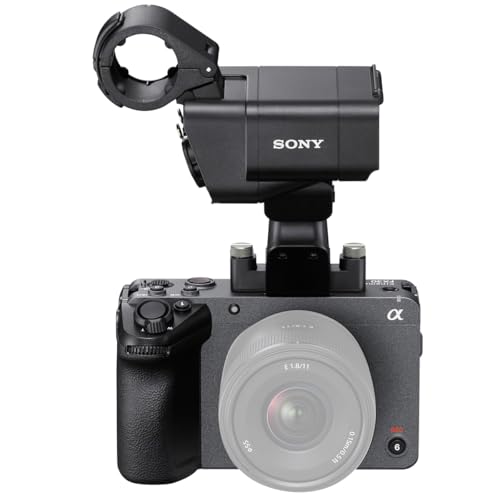
¿Qué marcas fabrican las mejores cámaras para vlogging?
Las mejores marcas de cámaras para vlogging se clasifican a continuación:
- Sony (Puntuación general media: 8.8)
- OM System (Puntuación general media: 8.6)
- Fujifilm (Puntuación general media: 7.9)
El siguiente gráfico compara las marcas de cámaras para vlogging según su puntuación general media.
[horizontal-chart-03722834450855331057047076783651916903251106588604]
¿Qué hace que una cámara sea adecuada para vlogging?
Una cámara es adecuada para vlogging cuando permite que una sola persona encuadre, enfoque, grabe y supervise vídeo y audio claros sin un operador aparte. Una pantalla abatible orientada hacia delante y una entrada de micrófono son requisitos básicos, mientras que un autofoco de ojos fiable, un objetivo suficientemente gran angular y un peso manejable hacen práctica la grabación de uno mismo.
Para secuencias habladas a pulso, busca 4K a 24/25/30 fps con un recorte moderado, transiciones suaves de exposición y seguimiento facial que permanezca activo durante la grabación. Un objetivo equivalente a unos 16–24 mm en fotograma completo ofrece una vista útil con el brazo extendido; un encuadre más amplio es especialmente importante cuando la estabilización electrónica aplica un recorte adicional.
La configuración completa importa más que el cuerpo por sí solo. La estabilización óptica o integrada en el cuerpo ayuda con tomas estáticas a pulso, la estabilización electrónica puede suavizar los pasos a costa del campo de visión y un pequeño micrófono direccional o inalámbrico suele mejorar la inteligibilidad más que un aumento de resolución. La alimentación USB-C, una pantalla luminosa, límites térmicos razonables y controles accesibles mientras se mira hacia el objetivo facilitan las sesiones más largas.
¿Qué importancia tiene el autofoco en una cámara para vlogging?
El autofoco es fundamental en una cámara para vlogging porque quien presenta a menudo no puede manejar los controles de enfoque mientras está delante del objetivo. Una detección fiable de rostros y ojos debe mantener los ojos nítidos cuando el sujeto se inclina, camina o gira, y debe recuperar el enfoque con suavidad después de que un objeto tape brevemente la cara.
Prueba el autofoco continuo con la resolución de vídeo y la velocidad de fotogramas exactas que tengas previsto usar. Algunas cámaras realizan un buen seguimiento en 4K a 24/30 fps, pero reducen la cobertura, la detección de sujetos o la respuesta en 4K a 50/60 fps, con poca luz o con un objetivo adaptado; un objetivo nativo luminoso también puede mejorar la uniformidad del enfoque en interiores.
El comportamiento de las transiciones importa tanto como la velocidad. Los cambios de enfoque rápidos y bruscos pueden distraer en un vídeo hablado, por lo que una velocidad de transición y una sensibilidad al cambio de sujeto ajustables resultan útiles al pasar de una cara a un objeto sostenido hacia la cámara. Los modos con prioridad de producto pueden ayudar a quienes hacen reseñas, pero deben volver de forma fiable al ojo de quien presenta cuando se baja el objeto.
El enfoque manual sigue siendo valioso para intervenciones con la cámara fija, demostraciones cenitales y movimientos predecibles. El focus peaking y la ampliación facilitan la configuración, pero para trabajar en solitario y a pulso, un autofoco de ojos fiable suele aportar más metraje aprovechable que una ráfaga muy rápida o una resolución fotográfica adicional.
¿Necesitan las cámaras para vlogging pantallas abatibles y entradas de micrófono?
Sí, una cámara práctica para vlogging en solitario debería tener tanto una pantalla abatible orientada hacia delante como una entrada de micrófono. La pantalla confirma el encuadre, la exposición, el enfoque, el estado de la batería y el estado de la grabación, mientras que la entrada de 3.5 mm permite que un micrófono direccional o inalámbrico capte el sonido más cerca de quien habla que los micrófonos integrados.
Una pantalla con bisagra lateral suele ser la más flexible porque permanece visible sobre una empuñadura o un trípode, pero un micrófono conectado o un cable HDMI puede taparla parcialmente si los puertos están mal situados. Comprueba si los controles táctiles funcionan durante la grabación, si la pantalla mantiene el brillo en exteriores y si la cámara muestra medidores de audio y avisos de saturación. Una salida de auriculares es valiosa para entrevistas y trabajos remunerados, aunque los modelos compactos de entrada suelen omitirla; en ese caso, utiliza un micrófono con monitorización propia o graba una prueba breve antes de cada toma.
¿Qué calidad de vídeo ofrecen las cámaras para vlogging?
La calidad de vídeo de una buena cámara para vlogging es de muy buena a excelente cuando la lectura del sensor, el objetivo, la exposición y la compresión están bien combinados. Un 4K limpio a 24/25/30 fps es la referencia práctica porque conserva detalle para pantallas grandes y permite un recorte moderado o estabilización digital en una edición a 1080p.
El 4K de ancho completo o sobremuestreado suele verse más nítido que una grabación con mucho recorte, salto de líneas o agrupación de píxeles. Comprueba si la cámara cambia el factor de recorte, el autofoco, la estabilización, el rolling shutter o los límites térmicos en 4K a 50/60 fps; una velocidad de fotogramas destacada resulta menos útil cuando estrecha demasiado un objetivo usado con el brazo extendido o provoca grabaciones cortas.
El metraje básico de 8 bits 4:2:0 es suficiente para quienes exponen con cuidado y utilizan un perfil de imagen terminado. Los modos avanzados de 10 bits 4:2:2 y log conservan más información tonal y cromática para una gradación intensa, iluminación mixta y trabajos con pantalla verde, pero producen archivos más pesados y requieren un ordenador capaz y un flujo de color gestionado. Son habituales las tasas de bits de unos 100–200 Mb/s, mientras que los modos intraframe de alta calidad o alta velocidad de fotogramas pueden exigir 400 Mb/s o más.
La calidad con poca luz depende del tamaño del sensor, la apertura del objetivo, la velocidad de obturación y la reducción de ruido, no solo de la resolución. Un objetivo luminoso f/1.4–f/2.8 puede mejorar los resultados en interiores, pero una profundidad de campo muy reducida hace que el enfoque en solitario tolere menos errores. Para la mayoría de los vlogs, unos tonos de piel precisos, una exposición estable, un rolling shutter controlado, audio claro y autofoco fiable importan más que la máxima resolución nominal.
El siguiente gráfico muestra la distribución de las resoluciones de vídeo máximas compatibles con las cámaras para vlogging.
[pie-chart-15563372865229322865122733123571259280650124381790]
¿Qué eficacia tiene la estabilización de las cámaras para vlogging?
La estabilización de las cámaras para vlogging va de modesta a muy eficaz, y el mejor método depende de si quien graba está quieto, realiza una panorámica o camina. La estabilización óptica del objetivo y la estabilización integrada en el cuerpo reducen los pequeños movimientos de las manos sin recortar necesariamente la imagen, lo que las hace útiles para intervenciones estáticas a pulso y movimientos lentos.
La estabilización electrónica o activa analiza y recorta el fotograma para suavizar movimientos mayores. Puede mejorar las secuencias grabadas al caminar, pero el recorte puede convertir una vista útil equivalente a 20 mm en otra notablemente más cerrada, y una corrección agresiva puede causar deformaciones en los bordes; pruébala con el objetivo, la velocidad de fotogramas y la distancia al rostro previstos. Algunos sistemas combinan corrección óptica, por desplazamiento del sensor y electrónica, mientras que otros solo ofrecen estabilización digital.
Ningún sistema integrado en la cámara sustituye por completo a un gimbal bien utilizado para suavizar los pasos, correr o realizar movimientos cinematográficos. Una pequeña empuñadura, caminar con cuidado apoyando del talón a la punta, un objetivo gran angular y la estabilización pueden producir secuencias de viaje aceptables, mientras que las tomas largas o el movimiento rápido pueden requerir un gimbal de tres ejes. Comprueba también si la estabilización reduce la calidad 4K, se desactiva con velocidades de fotogramas altas, sobrecalienta el cuerpo o entra en conflicto con el uso de un trípode.
¿Cuánto cuestan las cámaras para vlogging?
Las cámaras nuevas adecuadas para vlogging suelen costar alrededor de 500–2.500 € antes de añadir objetivos y accesorios de audio. Los modelos de entrada de unos 500–800 € suelen ofrecer pantalla abatible, entrada de micrófono, autofoco de rostros y 4K a 24/25/30 fps, aunque pueden carecer de estabilización integrada en el cuerpo, monitorización con auriculares, color de 10 bits o grabación de alta velocidad de fotogramas sin recorte.
Entre aproximadamente 800 € y 1.500 €, los compradores pueden esperar un autofoco de ojos más eficaz, 4K más limpio o con menos recorte, mejor gestión térmica, lectura más rápida del sensor, pantallas mejoradas y más controles directos. La estabilización integrada en el cuerpo, 4K a 50/60 fps, perfiles log y grabación de 10 bits se vuelven más habituales, pero sus combinaciones exactas y restricciones de modo siguen variando.
Las cámaras avanzadas para vlogging y los modelos híbridos de unos 1.500–2.500 € añaden 10 bits 4:2:2, mejor rendimiento con poca luz, salida de auriculares, mayor control térmico y grabación prolongada más fiable. Reserva otros 250–1.000 € para un objetivo gran angular y aproximadamente 70–350 € para un micrófono, además de tarjetas y baterías. Una configuración equilibrada con audio claro y un encuadre adecuado suele importar más que gastar todo el presupuesto en el cuerpo.
El siguiente gráfico muestra la distribución de precios de las cámaras para vlogging.
[vertical-chart-09393606339820530204179187603864710989984227851226]
¿Qué autonomía ofrecen las cámaras para vlogging?
Las cámaras para vlogging suelen ofrecer unos 60–120 minutos de grabación de vídeo práctica por batería, aunque la capacidad y las condiciones de funcionamiento pueden situar el resultado fuera de ese intervalo. Las clasificaciones CIPA para fotografía, como 300–500 disparos, resultan útiles para comparar baterías, pero no predicen directamente la duración de la grabación 4K continua.
La resolución, la velocidad de fotogramas, el autofoco, la estabilización, el brillo de la pantalla, las conexiones inalámbricas y la temperatura ambiente influyen en la autonomía. 4K a 50/60 fps, la estabilización electrónica, los códecs de alta tasa de bits y una pantalla frontal luminosa suelen consumir más energía que 1080p o 4K a 24/30 fps, mientras que el frío reduce la capacidad disponible; el calor puede detener una grabación antes de que se agote la batería.
Para clips cortos de viaje puede bastar una batería, pero las entrevistas, los eventos, el streaming y las grabaciones durante todo el día suelen justificar al menos una de repuesto. Comprueba si la cámara admite carga mientras está apagada, alimentación USB-C durante la grabación o USB Power Delivery sin interrumpir el clip, y confirma que el cable no obstruya la pantalla abatible ni el micrófono. Una batería externa puede prolongar las sesiones estáticas, mientras que para trabajar a pulso suelen resultar más prácticas las baterías de repuesto compactas.